
How It Works
Send a printed resume and cover letter to any hiring manager in 6 steps. Under 4 minutes from signup to sent.
1
Choose Your Target
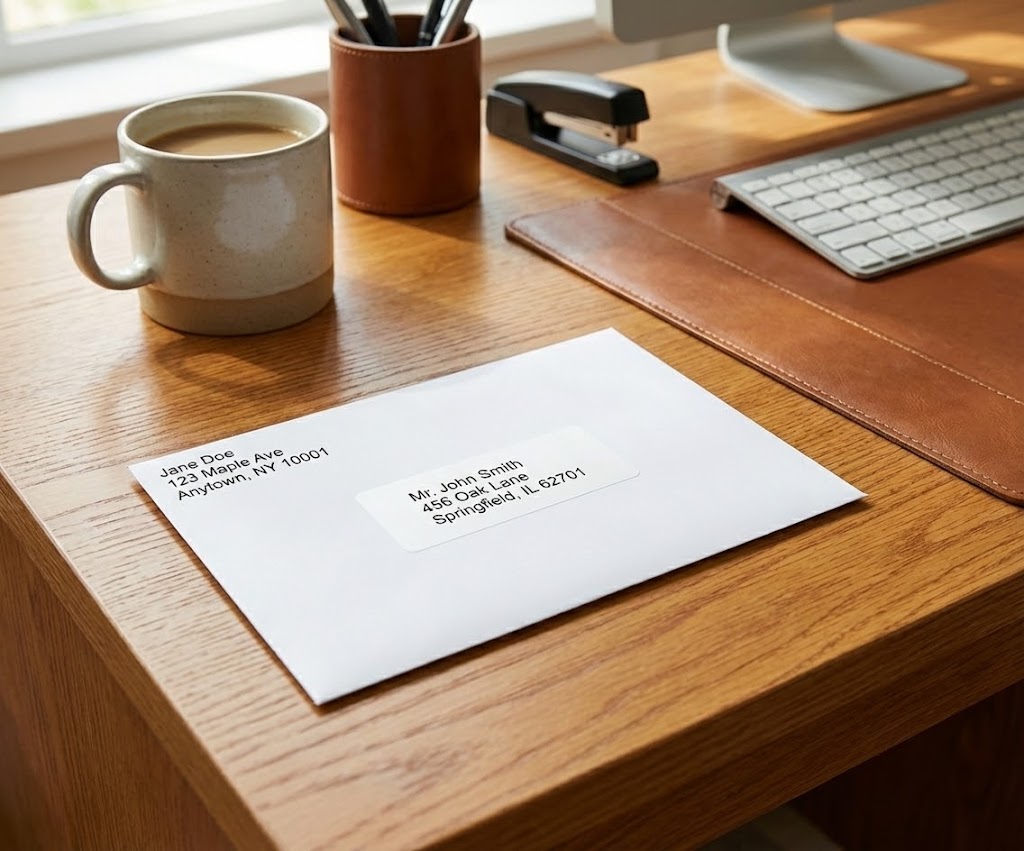
Enter the company name, hiring manager's name, role, and mailing address. We check addresses before printing.
- Hiring manager's name and title
- Company name
- Role you're applying for
- Office mailing address (checked)
2
Upload Your Resume
Upload your PDF resume once and use it for unlimited mailings. We keep it safe in your account.
- PDF format only
- Unlimited storage, no expiration
- Drag-and-drop or click to upload
- Preview before proceeding
3
Add Your Contact Info
Enter your name, email, phone, and optional links. This info shows on your cover letter header.
- Name, email, and phone required
- LinkedIn profile (optional)
- GitHub or portfolio (optional)
- Saved for future applications
4
Write Your Cover Letter
Write your own or auto-generate one. Choose from 5 approaches, from direct to conversational.
- Manual writing option
- 5 auto-generated styles
- Fitted to company and role
- Edit before finalizing
5
Select Your Brand
Pick a visual style for your cover letter. Choose from pro presets or auto-generate a custom brand.
- Pre-made templates
- Auto-generated custom brands
- Colors, fonts, layout
- Your resume stays unchanged
6
Preview & Send
Review the PDF that will be printed. Choose your mailing tier, add your return address, and confirm.
- Live PDF preview
- Standard or Premium tier
- Handmade by our team in Atlanta
- Printed on 90lb premium cardstock
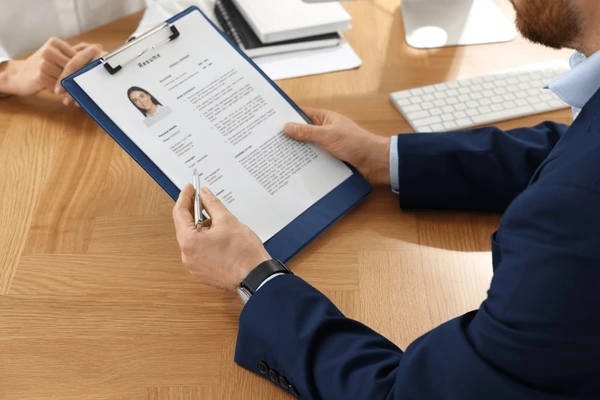
Your resume lands on their desk, not in spam.
4 min
Average time to send
5-7 days
Standard delivery
90%+
Mail open rate