
The Hybrid Resume Template
Most resumes fail at one thing: they're either designed for robots (ATS) or humans (Print). This Google Docs framework masters both.
Why "Standard" Templates Fail
You are fighting a two-front war. The Applicant Tracking System (ATS) wants raw data. The Hiring Manager wants a professional document. Most templates sacrifice one for the other.
ATS-Friendly Architecture
Single-column layout with standard headings that parsing algorithms can read without errors. No tables, no text boxes.
Print-Ready Typography
Optimized font pairing and line heights that ensure readability on physical paper. Designed for 24lb bond paper or higher.
Executive Formatting
Generous whitespace and clear hierarchy that respects the reader's time—whether they are a recruiter or a CEO.
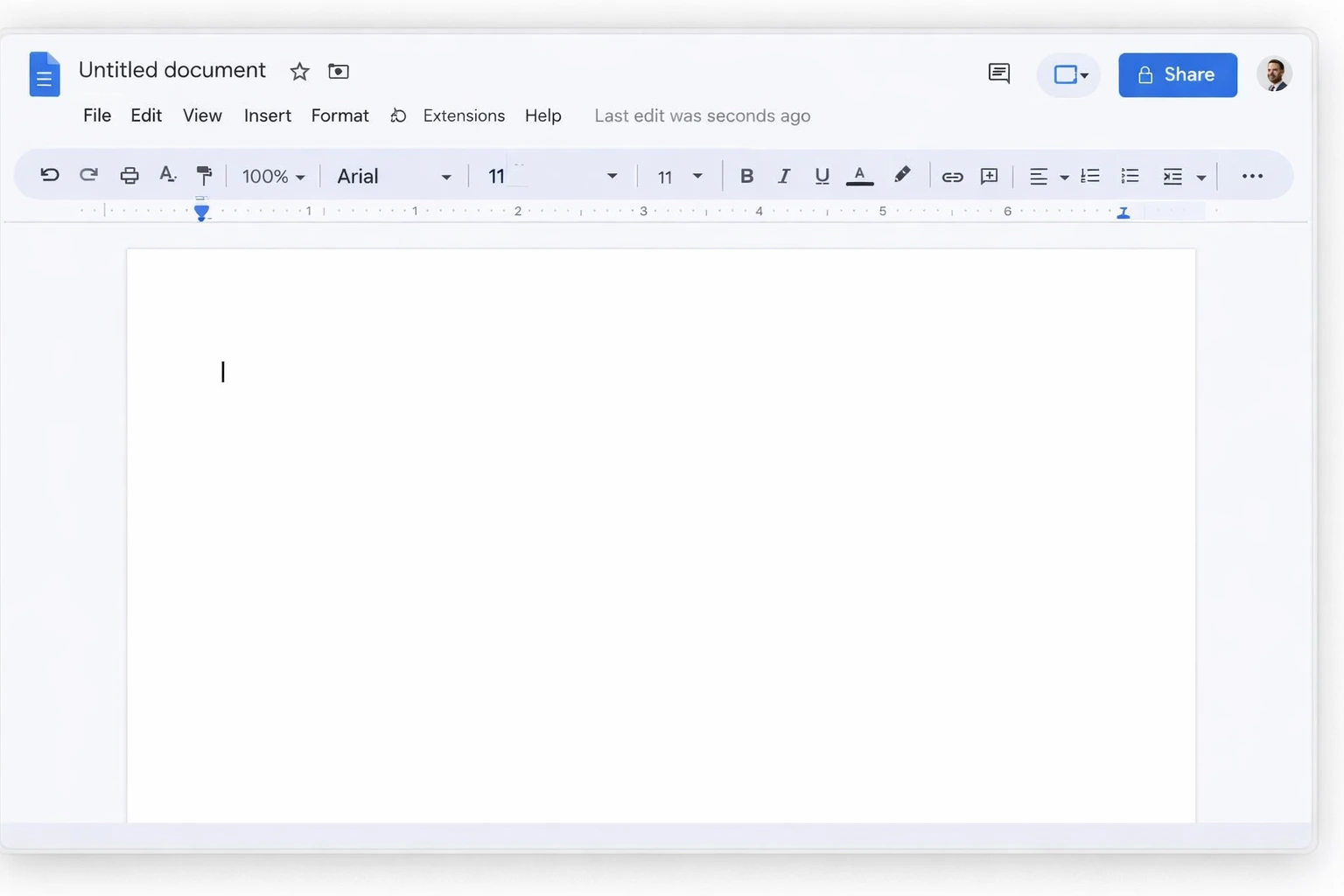
How to Build It in Google Docs
You don't need expensive design software. In fact, InDesign and Photoshop resumes often get rejected by ATS parsers. Here is how to configure Google Docs for the perfect hybrid format.
Pro Tip: The "Blind" Test
Print your resume on standard copy paper. Hold it at arm's length. If the hierarchy isn't clear from 3 feet away, increase your header sizes. Physical readability is the ultimate test of good design.
Page Setup
Set margins to 1 inch on all sides. This is the standard for printed business documents and ensures no text gets cut off by printers or binders.
Header Hierarchy
Use 'Heading 1' for your name (24pt+) and 'Heading 2' for section titles (14-16pt). ATS parsers rely on these HTML tags to understand document structure.
Body Typography
Stick to standard fonts available on all systems. We recommend Arial or Helvetica for headers, and Georgia or Garamond for body text to improve reading speed on paper.
Bullet Points
Use standard round bullets. Avoid custom icons or arrows, which often break when parsed by older ATS software or when converted to PDF.
Digital is Crowded.
Physical is Premium.
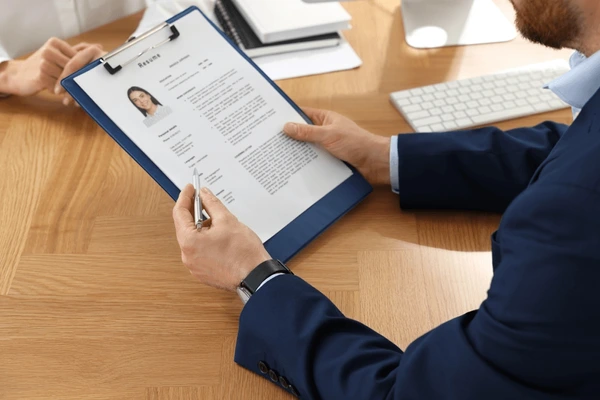
Once your resume is optimized for Google Docs, it's ready for the real world. Ballista takes your digital file, prints it on premium paper, and overnights it directly to the decision maker's desk.
- Bypass the crowded inbox
- Guaranteed physical delivery
- Instant credibility boost
Common Questions
Everything you need to know about Google Docs resume formatting.
Should I download as PDF or DOCX?
For emailing or uploading to most modern ATS, PDF is best to preserve formatting. However, some older systems specifically request DOCX. Always check the job description. For Ballista mailings, we accept PDF to ensure your printed packet looks exactly like your screen.
Can I use columns in Google Docs?
Avoid them if possible. While Google Docs supports columns, many ATS parsers read left-to-right across the whole page, jumbling column text together. A single-column layout is the safest bet for digital parsing and looks most authoritative in print.
What is the best font size?
For print readability, use 10.5pt to 12pt for body text. Anything smaller is hard to read on paper. Headers should be 14pt to 24pt to create clear visual sections.
Ready to make an impression?
You have the template. Now get it into the hands of the person who can hire you.