
Find the
Hiring Manager
(No Premium Needed)
Stop applying into the void. Here is the exact workflow to identify the decision-maker, confirm the reporting line, and send a message that gets a reply.

The "Easy Apply" Black Hole
When you click "Easy Apply," your resume enters a database with hundreds of others. HR screeners—who often don't understand the role's technical nuances—filter you out based on keywords. To get hired, you need to reach the person who actually feels the pain of the open position: the Hiring Manager.
The Free Search Workflow
You don't need LinkedIn Premium to find names. You just need to know how to use the filters that are hidden in plain sight.
Search Company + Department
Go to the main search bar. Type the Company Name and the Department (e.g., "Acme Corp Marketing" or "Stripe Engineering"). Do not hit enter yet—look for the "See all results" option if it appears, or hit enter and prepare to filter.
The "People" Filter
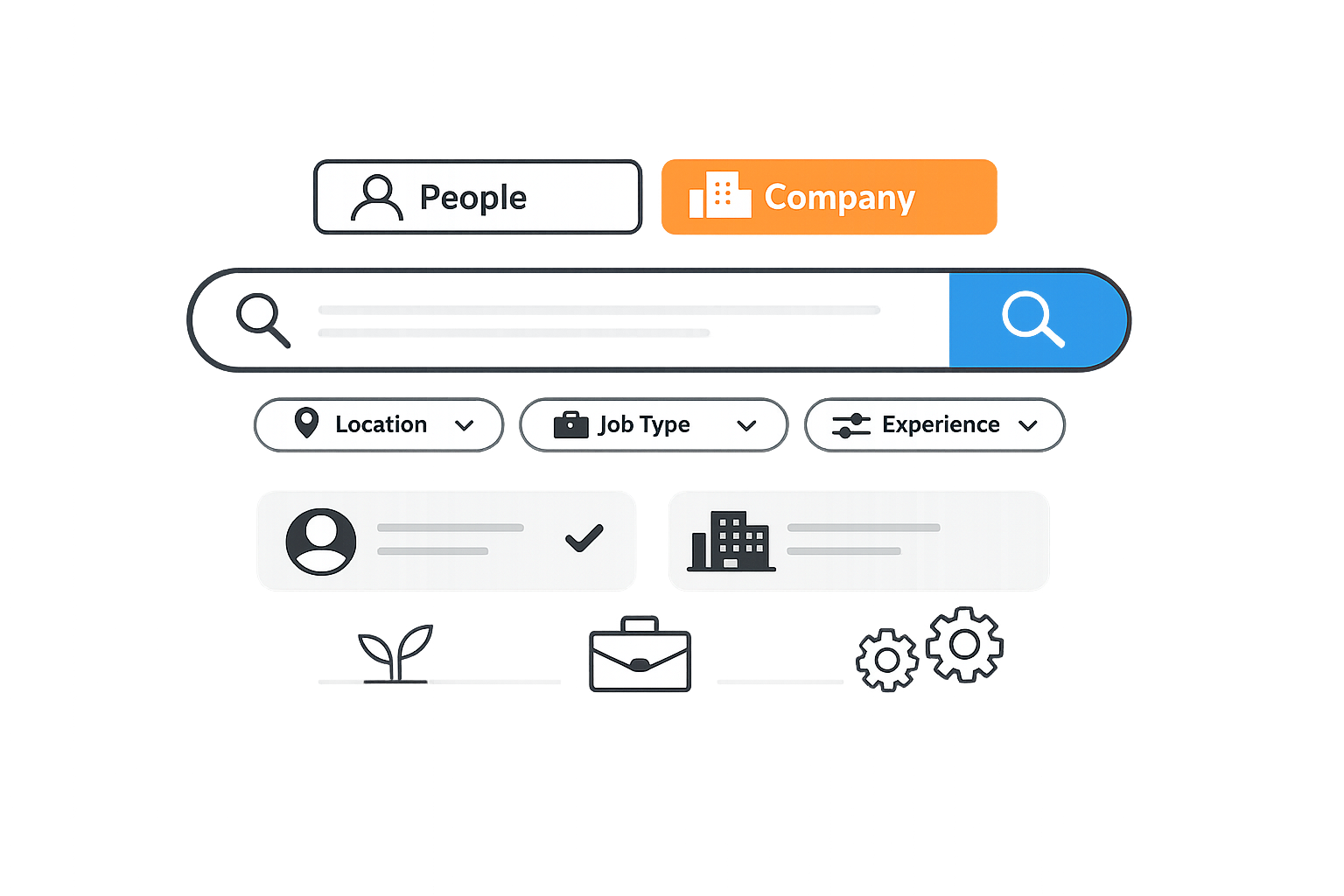
On the results page, click the "People" pill button at the top. This removes job postings and company pages, showing you only individual profiles.
Pro Tip: If the list is too long, click "All Filters" and add the specific "Current Company" to ensure you aren't seeing ex-employees.
Identify the Title
Scan the headlines. You are looking for titles that indicate leadership over the role you want.
- For entry/mid-level: Look for "Manager" or "Team Lead".
- For senior roles: Look for "Director" or "Head of".
- For startups: Look for "Founder" or "CTO/CMO".
Verification Checklist
Before you message, check their profile:
- Are they in the same location?
- Did they post about the job opening?
- Have they been at the company > 6 months?
The 300-Character Connection Request
You cannot send InMail for free, but you can send a connection request with a note. You have 300 characters. Make them count.
Be Specific: Mention the exact role you applied for.
Show Research: Mention a specific project or team achievement.
Low Friction: Don't ask for a meeting yet. Just ask to connect.

Connection Request
To: Sarah Jenkins (Head of Product)
You Found Them. Now Make Them Remember You.
A LinkedIn message is a good start, but it's easy to ignore. A physical packet on their desk is impossible to ignore.
1. Find the Manager
Use the workflow above to identify the exact person hiring for the role.
2. Send a Packet
Use Ballista to overnight a professional resume packet directly to their office.
3. Send the Message
"Hi Sarah, I just sent my portfolio to your office..." — Now your message has weight.
Join thousands of candidates who are skipping the line.
Why this strategy works for job seeking on LinkedIn
The modern job hunt is a numbers game, but not the way most people think. It's not about applying to 100 jobs; it's about getting 10 hiring managers to actually look at your profile. By using LinkedIn search filters to find the decision-maker, you bypass the initial HR screen.
When you combine a thoughtful LinkedIn connection request with a physical touchpoint like a Ballista packet, you demonstrate two key traits: resourcefulness and genuine interest. These are the exact qualities hiring managers are looking for, regardless of the role.