
The Only ATS-Friendly Resume Template You Need
Bypass the bots and impress the humans. A dual-purpose Google Docs template designed for 99% parse rates and high-impact physical delivery.
Compatible with Google Docs, Microsoft Word, and PDF export.
Why Your Resume is Getting Rejected
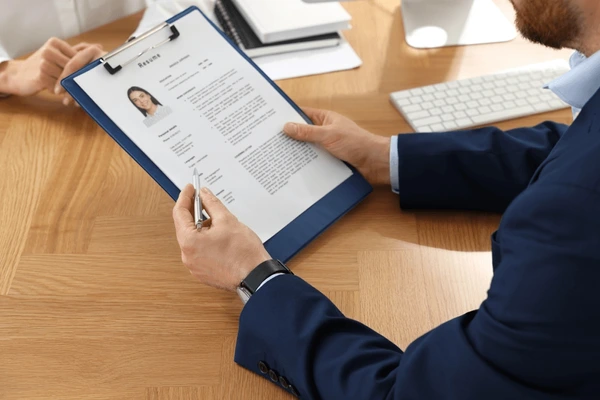
There are two failure points in modern hiring: the robot gatekeeper and the overwhelmed human.
1. The ATS Filter
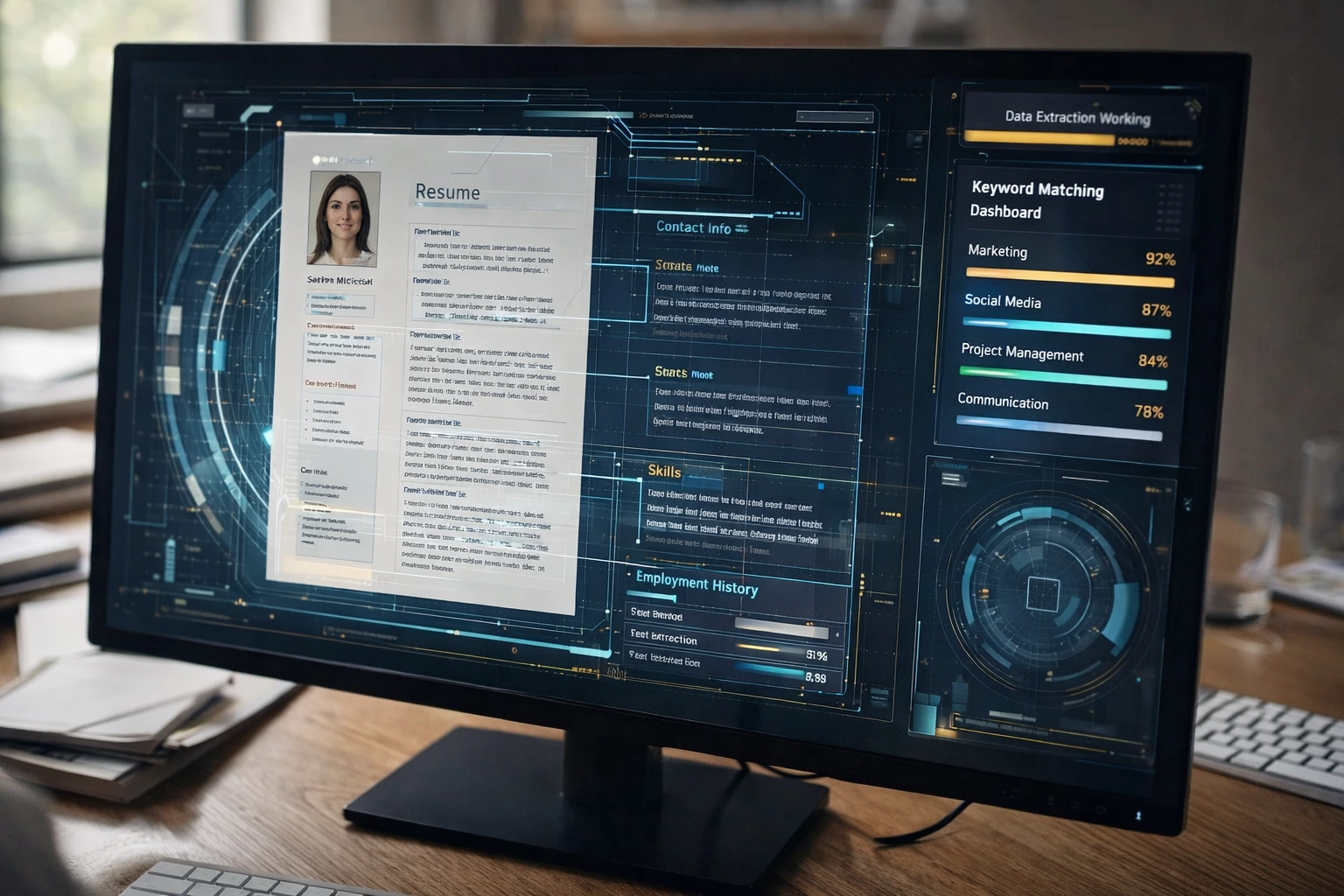
Applicant Tracking Systems (ATS) parse your resume into a database. If you use columns, tables, graphics, or non-standard fonts, the parser fails. Your "years of experience" might read as zero, automatically disqualifying you.
2. The Attention Deficit
Even if you pass the bot, you are one of 500+ digital files. Hiring managers spend an average of 6 seconds scanning a resume. If the layout isn't instantly readable, they move on.
The Anatomy of an ATS-Proof Resume
Our template follows strict typographic rules to ensure it survives the digital filter while looking premium in print.
JANE DOE
San Francisco, CA | (555) 123-4567 | jane.doe@email.com
linkedin.com/in/janedoe
Professional Experience
- Led cross-functional team of 15 engineers and designers to launch flagship product.
- Increased user retention by 25% through data-driven feature optimization.
- Managed $2M annual budget and reduced operational costs by 15%.
- Spearheaded the development of the mobile application from concept to launch.
- Collaborated with sales team to define go-to-market strategy.
Education
One Document, Two Powerful Outputs
How to use this template for both digital applications and physical Ballista packets.
For Online Applications (ATS)
Once you've filled out the Google Doc, go to File > Download > PDF Document (.pdf). This PDF preserves the text layer perfectly for ATS parsers. Upload this file to LinkedIn, Indeed, or company portals.
For Ballista Packets (Print)
Use the exact same PDF. Upload it to your Ballista dashboard. Our system automatically checks the margins and resolution. We print it on premium paper and FedEx it directly to the decision maker's desk.
Frequently Asked Questions
Can my resume be 2 pages?
Yes. For senior roles (10+ years of experience), a 2-page resume is standard and accepted by ATS. Just ensure your most critical information is on the first page. If you are early in your career, stick to one page.
Should I use a header or footer?
Keep it simple. Some older ATS parsers ignore information in the header/footer sections of a Word/Google Doc. It is safer to put your contact information in the main body of the document at the very top, rather than using the "Insert Header" function.
Are hyperlinks okay?
Yes, but write out the URL or keep the anchor text simple (e.g., "LinkedIn Profile"). For the printed version sent via Ballista, ensure the URL is visible so the hiring manager can type it in if they want to see your portfolio.
What font should I use?
Stick to standard, web-safe fonts. Arial, Calibri, Helvetica, Roboto, Georgia, and Figtree are excellent choices. Avoid custom downloaded fonts that might not render correctly on the recruiter's machine.
Don't Just Apply. Arrive.
You have the template. Now get it into the right hands. Use Ballista to send your resume directly to the decision maker, bypassing the digital pile entirely.