
Teal vs Google Docs:
Which is Actually ATS-Safe?
Teal offers structure. Google Docs offers freedom. But when 75% of resumes are rejected by ATS bots before a human sees them, the only thing that matters is the code behind the PDF.
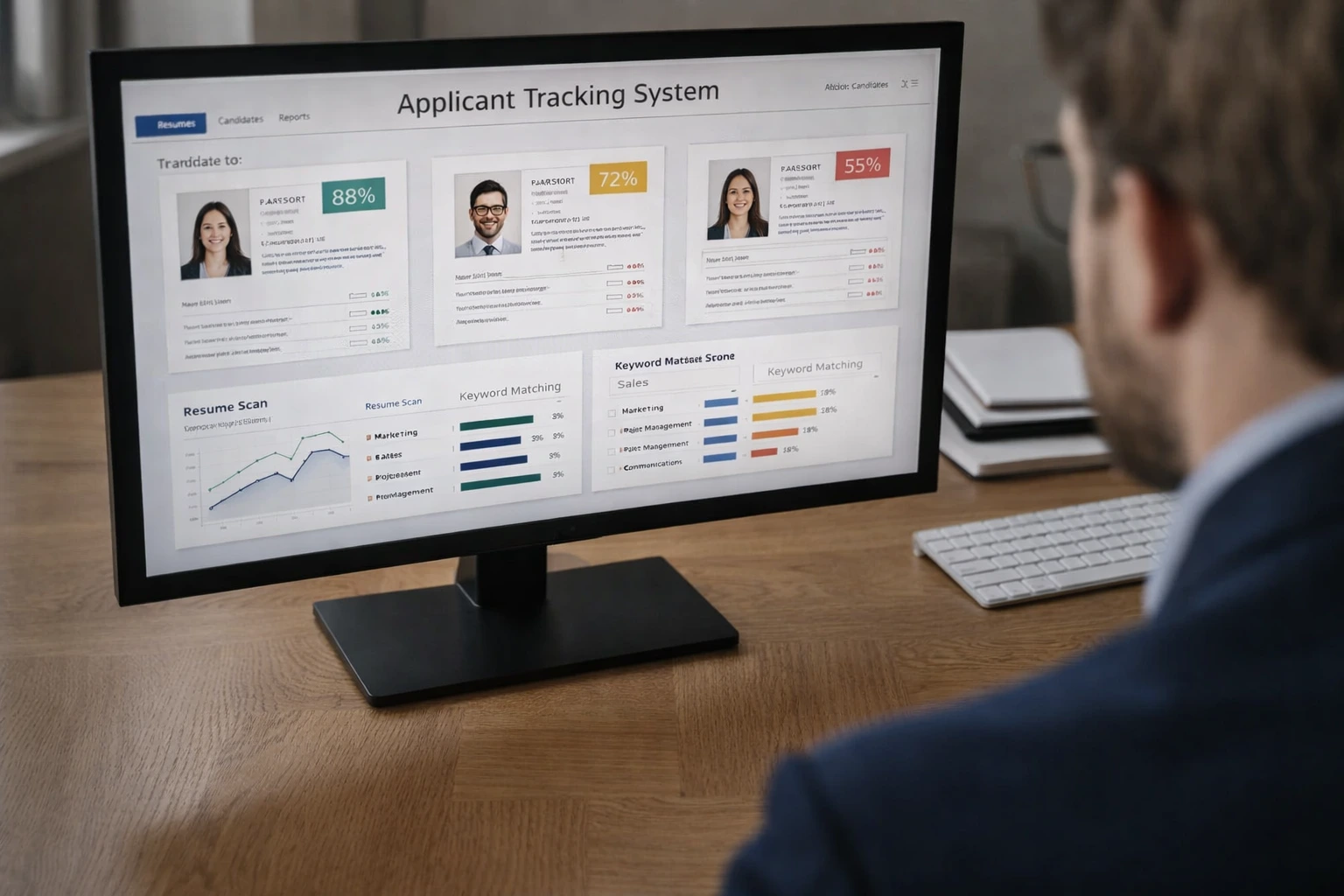
The "Black Box" of Hiring: Where formatting errors mean instant rejection.
The PDF Trap: What You See vs. What They See
Most job seekers assume that if a PDF looks good to the eye, it looks good to the machine. This is false. Applicant Tracking Systems (ATS) parse the underlying text layer of your document.
- ×
Complex Columns: Google Docs columns can be read left-to-right across the page instead of down, scrambling your work history.
- ×
Invisible Characters: Custom fonts and icons in design-heavy templates often turn into "" or gibberish.
- ✓
The Goal: A clean, linear text hierarchy that parses perfectly into the recruiter's database.
Teal vs Google Docs: The Breakdown
We analyzed the export code from both platforms. Here is how they stack up for ATS safety.
Teal
High SafetyA dedicated resume builder designed specifically to pass ATS filters. It restricts your design choices to ensure code compliance.
Pros
- ✓ Enforced linear structure (ATS friendly)
- ✓ Built-in keyword matching tools
- ✓ Clean PDF export metadata
Cons
- × Rigid templates (hard to stand out visually)
- × Freemium limits on features
Google Docs
Variable RiskThe standard for document editing. Infinite flexibility means you can easily break ATS parsing if you don't know the rules.
Pros
- ✓ 100% Free and familiar
- ✓ Total control over layout
- ✓ Easy to tailor for specific roles
Cons
- × Tables/Columns often break parsing
- × Headers/Footers may be ignored by ATS
- × Requires manual formatting discipline
The Verdict: Use Teal for Safety, Google Docs for Humans
If you are applying through a portal (Workday, Greenhouse, Lever), Teal is the safer bet. Its constraints prevent you from making fatal formatting errors that render your resume invisible.
However, if you are emailing a resume directly to a hiring manager, Google Docs is superior. You can design for human readability, use better typography, and control the narrative without worrying about a robot misreading your columns.
Pro Tip: The Hybrid Approach
Keep a "Master Resume" in Google Docs with all your data. Import it into Teal only when you need to generate a safe PDF for a cold application portal.
Stop Optimizing for Rejection
Spending hours tweaking your resume for an ATS that rejects 75% of applicants is a low-ROI activity. The best candidates don't apply through the portal—they go around it.
Ballista helps you identify the hiring decision-maker and send a compelling packet directly to their inbox. No parsing errors. No black holes. Just human-to-human connection.

Frequently Asked Questions
Does Google Docs export clean PDF code?
Generally, yes. Google Docs creates text-based PDFs that most ATS can read. However, using "Tables" for layout or multi-column formats can cause the reading order to scramble. Stick to a single-column layout for maximum safety.
Is Teal worth the cost just for ATS formatting?
If you are applying to 50+ jobs via portals, yes. The time saved on formatting and the assurance of parsing safety is valuable. But for targeted, high-value applications, a custom Google Doc sent directly to a human is more effective.
Should I submit a DOCX or PDF?
In 2026, PDF is the standard. It preserves your formatting across all devices. Only submit a DOCX if the application specifically demands it (which is becoming rare). Both Teal and Google Docs handle PDF export well, provided the layout is simple.
Don't Let an Algorithm Decide Your Future
The most successful candidates don't just have "ATS-friendly" resumes. They have advocates inside the company. Ballista helps you find them.